How to read comfortably on screens
Reading ebooks should feel relaxing, not tiring. A few small changes to your device and your habits can make screen reading much more comfortable.
On this page
If your eyes feel tired, dry or achy after reading on a phone or tablet, you are not imagining it. Long stretches of close-up screen time can cause digital eye strain. The good news is that a few simple settings and habits make a big difference. This guide covers what to change on your device, how to set up your reading spot, and how to help kids read comfortably too.
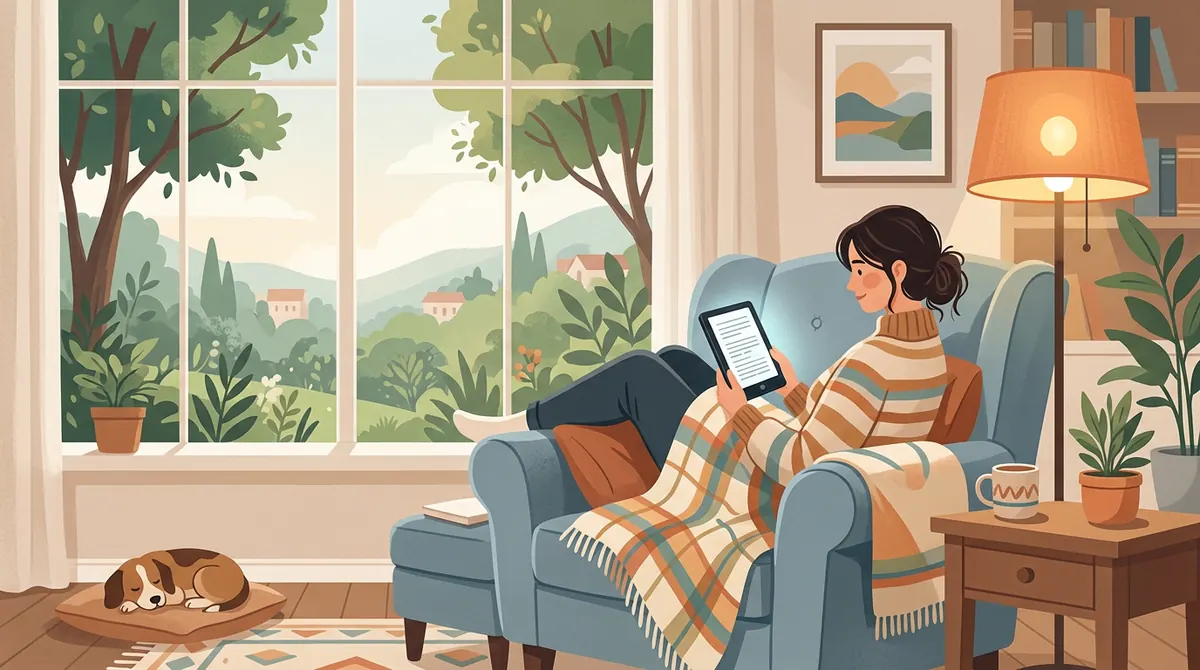
Why screen reading can tire your eyes
When we focus on something close for a long time, the muscles that focus our eyes keep working without a break. We also tend to blink less when we concentrate on screens, which can make eyes feel dry. The American Academy of Ophthalmology says screens do not permanently damage your eyes, and that people blink much less while looking at screens. Simple habits can ease the tired, dry feeling.
Use the 20-20-20 rule
The easiest habit to learn: every 20 minutes, look at something about 20 feet away for at least 20 seconds. A view out a window works perfectly. This gives your focusing muscles a short rest. Setting a gentle timer can help until it becomes a habit.
Blink on purpose
Because we blink less while reading screens, try to blink fully a few times when you turn a page. If your eyes still feel dry, ask an eye doctor whether lubricating eye drops are right for you.
Make the text easy to read
Ebooks let you change how text looks, which is one of their biggest advantages.
- Make the font bigger. If you are squinting or leaning in, increase the size.
- Add spacing. More space between lines makes text easier to follow.
- Choose a clear font. Simple fonts are usually easier to read than fancy ones.
- Try margins. Wider margins shorten lines, which some readers find easier.
- Use page turns instead of scrolling if your app offers it. Many people find it easier to keep their place.
Get the brightness right
Your screen should be about as bright as the room around you. A very bright screen in a dark room, or a dim screen in a bright room, both make your eyes work harder. Most devices have an auto-brightness setting that adjusts for you.
Night reading: Many devices offer a warm or "night" mode that makes the screen more amber. Many readers find it more comfortable in the evening. A dark mode with light text on a dark background is another option some people prefer at night.
E Ink screens vs tablets
E Ink e-readers use a paper-like screen that reflects light instead of shining it toward your eyes. Many readers find E Ink more comfortable for long reading sessions, and it is easy to read in sunlight. Tablets are bright and colorful, which is great for picture books and comics, but they can feel harsher for long novels and come with distracting notifications. If you read a lot, see how to choose an e-reader.
Set up a comfortable reading spot
- Hold the screen a comfortable distance away, roughly the distance you would hold a book or a little farther.
- Hold it slightly below eye level so you look a little downward.
- Use good room light. Avoid reading a bright screen in a pitch-dark room.
- Avoid glare from windows or lamps reflecting on the screen.
- Sit comfortably with support for your back and arms, so you are not hunched over.
Take real breaks
Every hour or so, put the device down, stand up and move around. A short walk or a stretch helps your eyes and your body.
Tips for kids
Children often get absorbed in a story and forget to take breaks. Help them by:
- Using the 20-20-20 rule together, or setting a timer for a stretch break.
- Choosing E Ink e-readers for chapter books when possible.
- Making text large enough that they do not lean in.
- Encouraging outdoor play, which gives eyes a natural break from close-up focus.
- Balancing screens with print books. See audiobooks vs ebooks vs print and ebooks for kids.
When to see an eye doctor
If you often have headaches, blurry vision or eye pain while reading, or if your child squints, rubs their eyes or holds books very close, book an eye exam. Sometimes the problem is simply that glasses or an updated prescription are needed.
The bottom line
Comfortable screen reading comes down to a few habits: rest your eyes with the 20-20-20 rule, make the text big and clear, match the brightness to the room, and take real breaks. With those in place, ebooks can be a relaxing way to read anywhere.
Questions
Is reading on a screen bad for your eyes?
According to the American Academy of Ophthalmology, screens do not cause permanent eye damage, but long sessions can cause digital eye strain such as tired or dry eyes. Breaks and good settings help.
What is the 20-20-20 rule?
Every 20 minutes, look at something about 20 feet away for at least 20 seconds. It gives your eye muscles a short rest.
Are e-readers easier on the eyes than tablets?
Many people find E Ink e-readers more comfortable for long reading because the screen looks like paper and does not shine toward your eyes.
Should I use night mode when reading at night?
Many readers find warm or night modes more comfortable in the evening. Also match the screen brightness to the room and avoid reading a very bright screen in the dark.
Sources
Checked November 20, 2026.